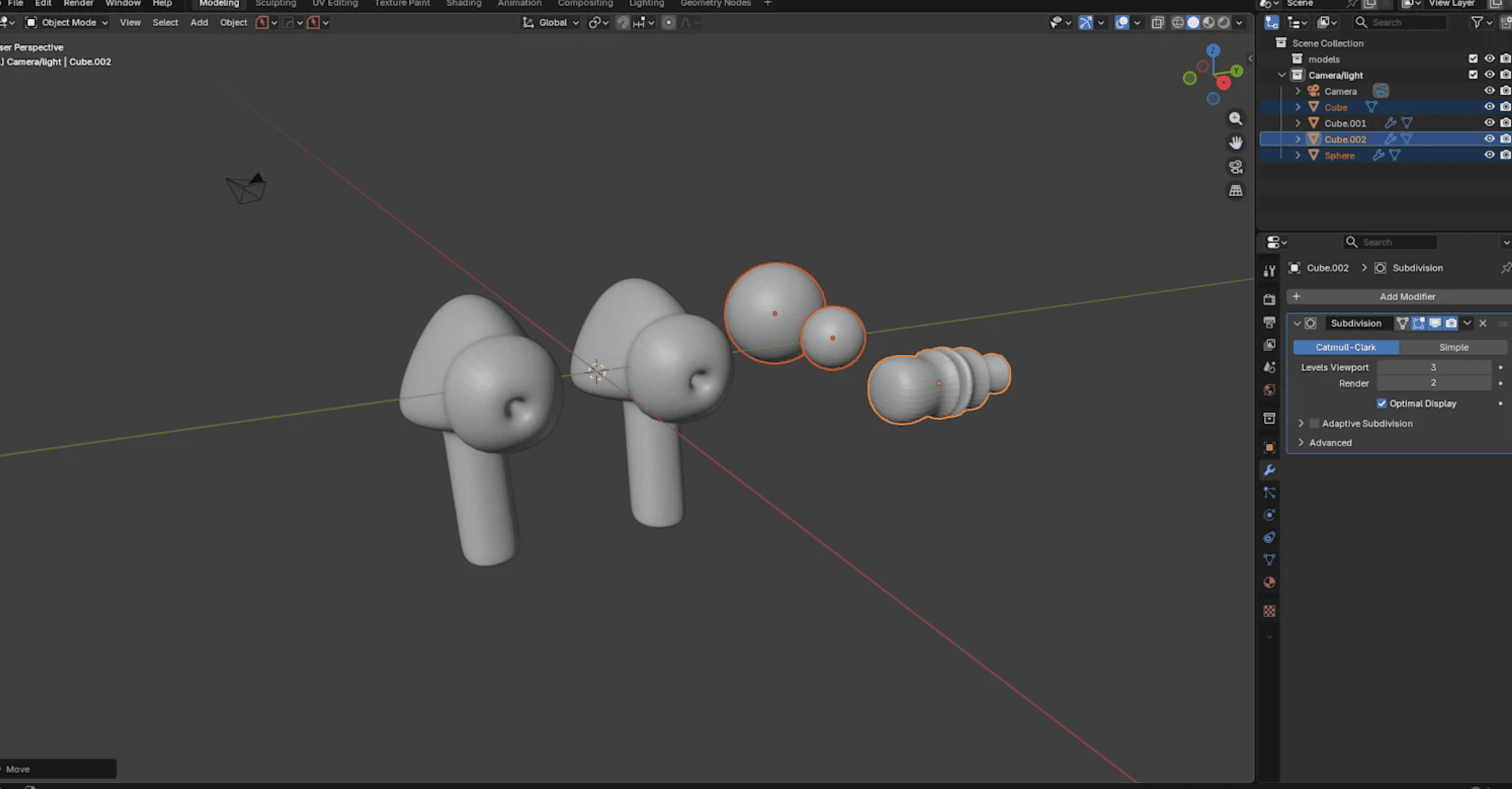
Blender 3D
Welcome to this comprehensive Blender tutorial designed for absolute beginners! In this step-by-step guide, you'll learn the fundamentals of 3D modeling and start creating your own 3D objects from scratch.
What You'll Learn:
- Navigate the Blender interface with confidence and understand the essential workspace layouts
- Master basic controls: rotating the viewport, selecting objects, and using keyboard shortcuts that speed up your workflow
- Create and manipulate primitive shapes (cubes, spheres, cylinders) using modeling tools
- Apply Edit Mode techniques including extrusion, scaling, and loop cuts to shape your models
- Add realistic materials and colors to bring your creations to life
- Set up basic lighting to enhance your scene's atmosphere
- Render your first professional-looking 3D image
Who This Tutorial Is For: Perfect for complete beginners with zero experience in 3D software, students looking to expand their digital art skills, hobbyists wanting to create game assets or 3D prints, and anyone curious about entering the world of 3D graphics.
By the end of this tutorial, you'll have created your first complete 3D project and gained the foundational knowledge needed to explore more advanced Blender techniques. No prior experience required – just download Blender (it's free!) and follow along!
Instructor: Jose .D
Course Content
Blender Installation Guide for Mac and Windows
Text
Introduction to Blender
Video
Scene Collections
Video
Property Panel
Video
Navigating 3D View
Video
Understanding and working with Models
Video
Build a 3D Model
Video